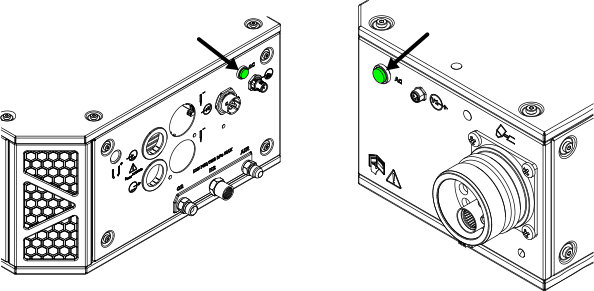
Power-indicator LEDs
An Light Emitting Diode (LED) illuminates to show the power status on the plasma power supply and on other system components.
The power-indicator LED on the plasma power supply uses two colors to indicate power
status:
- The LED illuminates amber when the plasma power supply is receiving electric power and the remote on-off switch is in the OFF position.
- The LED illuminates green when the plasma power supply is receiving electric power and the remote on-off switch is in the ON position.
- The plasma power supply that came with early XPR® cutting systems has a green-only power-indicator. A power-indicator LED upgrade kit (428893) is available from Hypertherm® if you want a two-color LED for your plasma power supply.
Note:
If the redundant remote on-off switch is enabled, make sure that it has the same ON or OFF condition as the remote on-off switch. Refer to Install a redundant remote on-off switch.
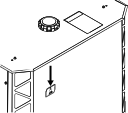
When illuminated, the green power-indicator LED on
other components is an indication that:
- Power is supplied to the XPR cutting system.
- The line-disconnect switch or breaker for the component is set to the ON (I) position.
- The component can be used.