Use the XPR web interface to change the arc voltage output scale
Use these steps to change the voltage ratio through the XPR® web interface.
- You must have a computer-based device with a screen, a web browser that has support for the latest web standards, and wireless access.
- You must set up a router that has access to a local network. Use the instructions for the router to do this. If you have problems setting up your router, speak to your system administrator.
- You must know the SSID and passphrase for the router.
-
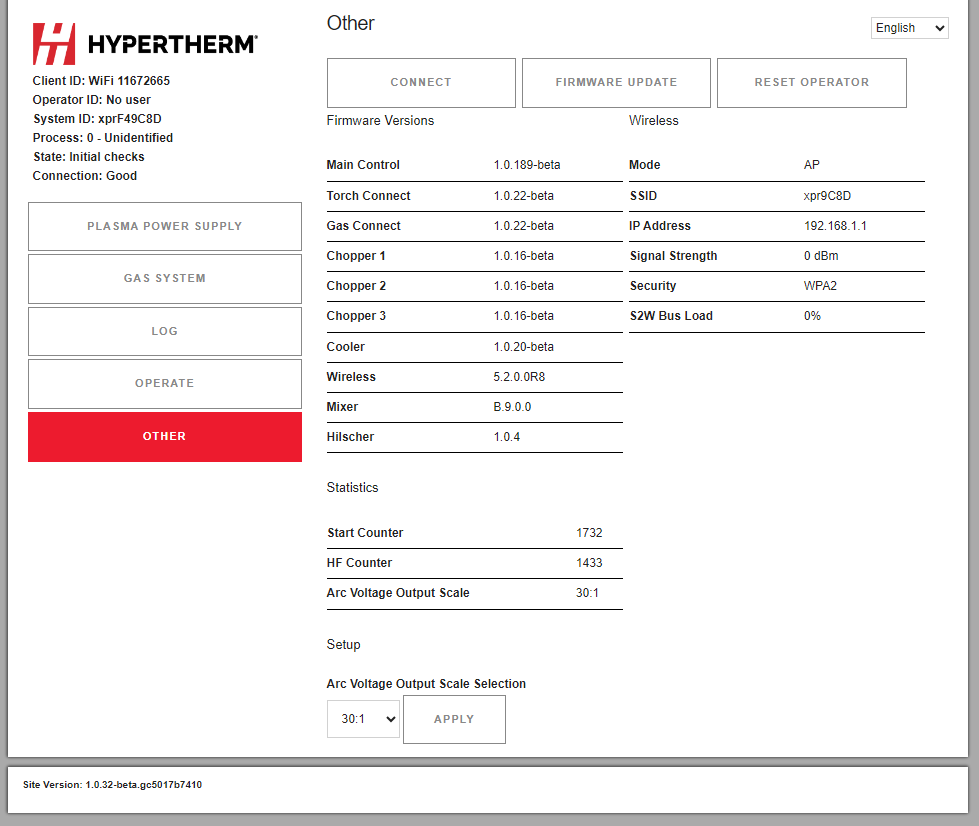
Go to the Other screen.
-
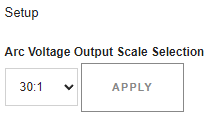
Use the dropdown menu under Setup to choose the
Arc Voltage Output Scale that you want.
The default voltage ratio is 30:1.