Use AP mode to connect
In Access Point (AP) mode, each plasma power supply has its own connection. You can only connect to and control one plasma power supply at a time.
- Computer-based device with a screen
- Web browser that has support for the latest web standards
- Wireless access
-
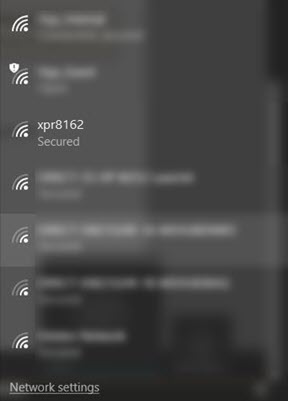
Choose the XPR® connection.
The default connection name is "xpr" + the System ID. The System ID is the last four digits of the Media Access Control (MAC) address. For more information about the System ID and MAC address, refer to Web interface screen information.
If you want to change the connection name, refer to Other screen.
- The plasma power supply is now connected.
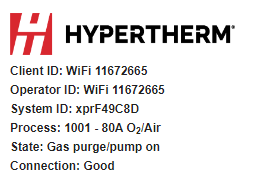
- The information about your plasma power supply and connection are located in the top left of the XPR web interface.
- If the Client ID and the Operator ID are the same on your device, you are in control of the plasma power supply and can set a process.
- Refer to Web interface screen information for more information about the interface menus.