
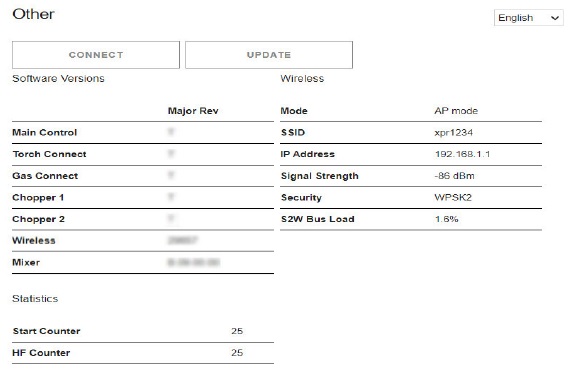
Other screen
On this screen you can see the software versions and monitor the status of the wireless connection. You can also select the Configure, Connect, and Update commands.
- Configure
-
On this screen you can change the connection name, limited Access Point (AP) password, limited AP Internet Protocol (IP) address, or the setup password.
- You cannot use special characters in any of the fields on this screen.
- The connection name must be less than 32 characters long.
- Passwords must be between 8 – 20 characters long.
- Passwords are case sensitive.
- Connect
- On this screen you can change your client settings and connect to other networks. For information about how to do this, refer to Use network mode to connect.
- Update
- On this screen you can update the web interface and firmware. For information about how to do this, refer to CNC Communication Protocol for the XPR Cutting System (809810) .
Note:
The XPR® web interface shows different fields for different models. The screen shown is for reference only.