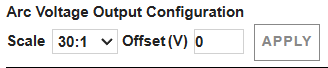
Use the XPR web interface to change the arc-voltage output scale
Use these steps to change the voltage ratio and offset through the XPR® web interface.
You must have a computer-based device with a screen, a web browser that has support for the latest web standards, and wireless access or Ethernet Local Area Network (LAN) access through the XPR web interface.
-
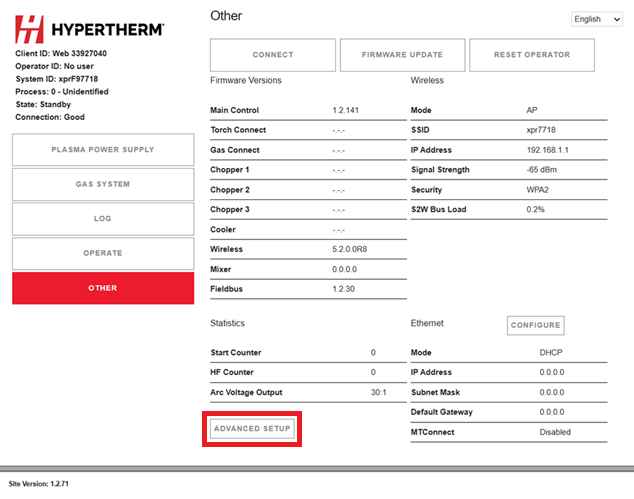
Go to the
Other
screen.
-
If necessary, enter a new or different offset value in the field near
Offset (V).
The default value is 0. Values between -100 and 100 are correct. It is not necessary to enter a value.