
Set up the wireless network manually
Use these steps to set up a wireless network manually.
-
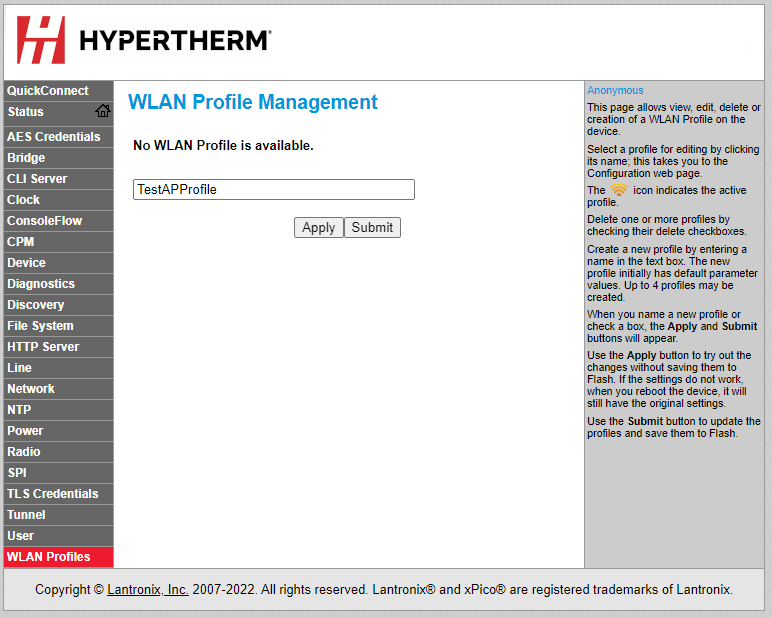
In the WLAN Profile Management field, enter a name for
the profile you want to create, and choose Apply.
-
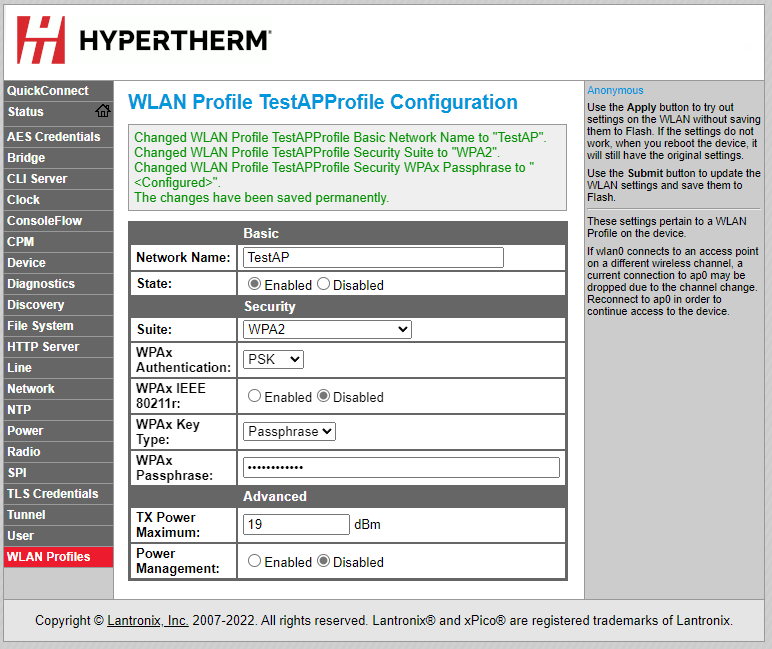
Choose Submit to save the profile settings and connect
to the network.
- If you are monitoring with the XPR® web interface, you are done.
- The selected wireless settings are applied to connect the plasma power supply to the new network. The plasma power supply resets and connects to the new network.

- If you want to operate the cutting system, you must connect to the plasma power supply with discrete. Refer to Connect to the plasma power supply with discrete.
- To access the web interface through Wi-Fi® after setup, go to Access the web interface after setup in network mode.