
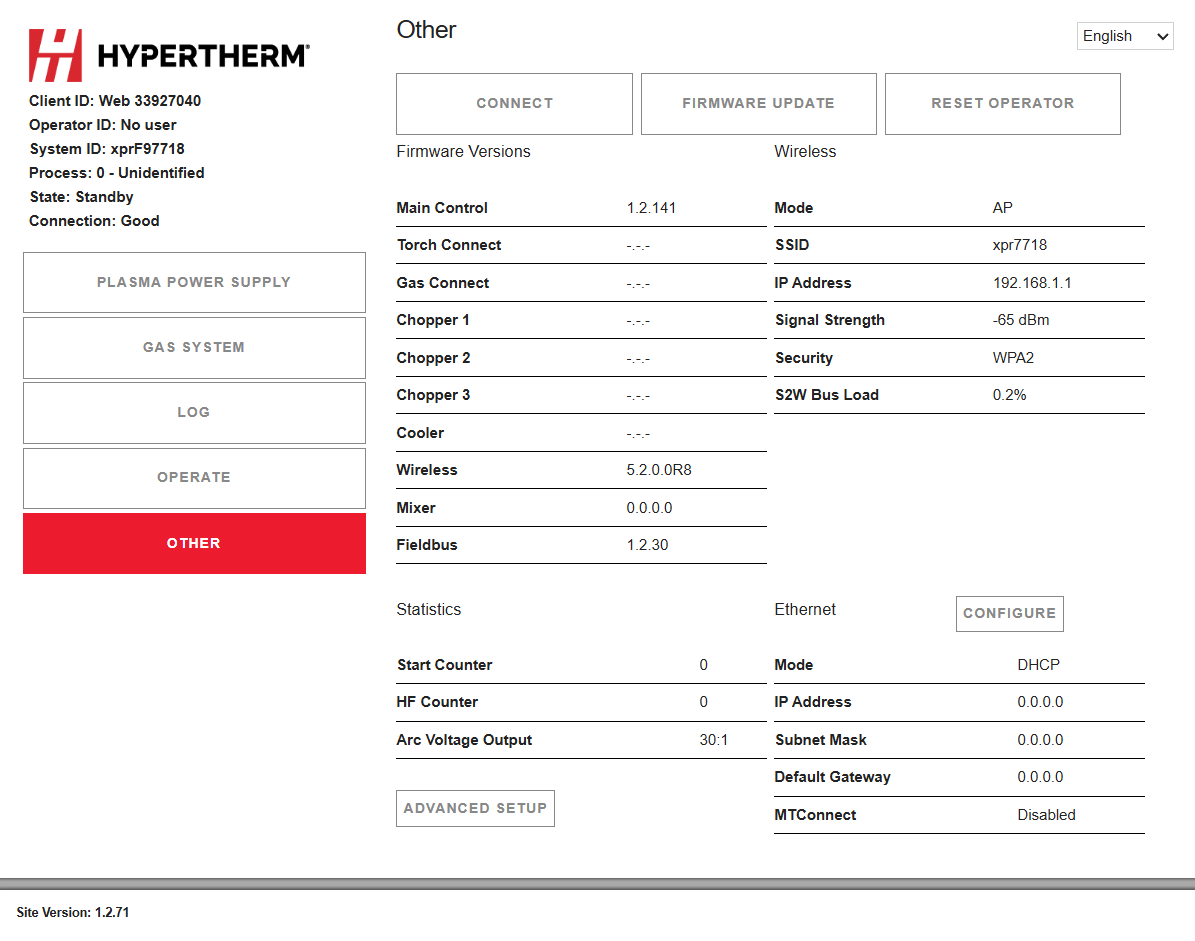
Other screen
On this screen you can find the firmware versions, system statistics, information about the wireless connection, and configuration options by feature type. You can also select the Connect, Firmware Update, and Reset Operator commands.
- Connect
- On this screen you can change your client settings and connect to other networks.
- Firmware Update
- On this screen you can update the web interface and firmware. For information about how to do this, refer to XPR Web Interface and PCB Updates Field Service Bulletin (10084813).
- Reset Operator
- Use this button to reset the Operator ID. For information about how to do this, refer to Change the device that has control.
Note:
The XPR® web interface shows different fields for different models. The screen shown is for reference only.